
Stop spending 4 hours on Excel tasks that AI can do in 4 minutes.
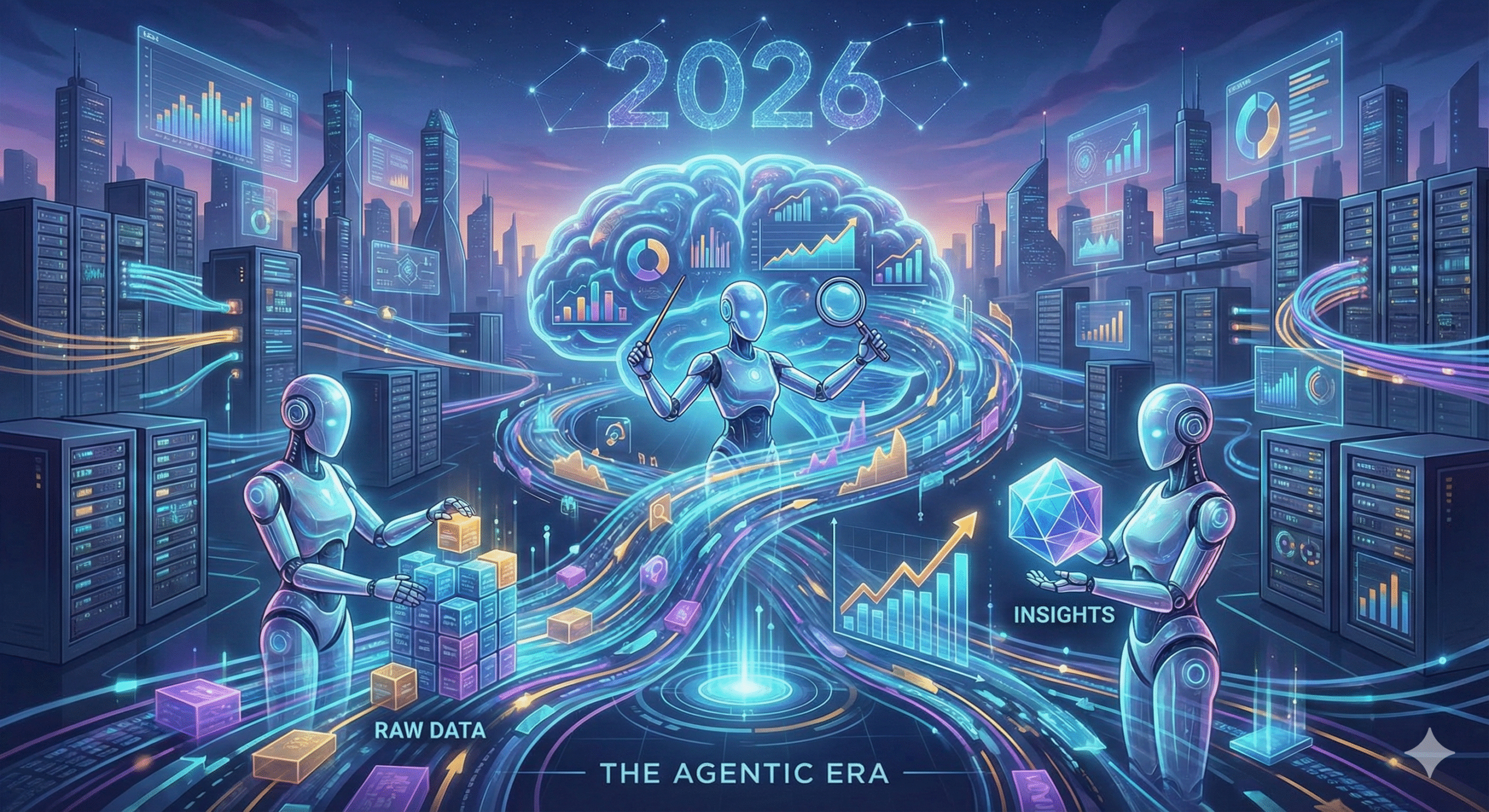
If 2024 was the year of the “Co-pilot” where AI sat beside you and offered suggestions 2026 is the year of the Agent.
In this new landscape, the most valuable tools don’t just visualize data; they autonomously clean it, find patterns across unstructured text, and execute workflows while you sleep. We are moving from Descriptive Analytics (what happened?) to Agentic Analytics (go fix what happened).
However, the data world isn’t one-size-fits-all. While startups chase autonomous agents, enterprises need robust governance, and data scientists still crave the flexibility of open-source.
Below is The Softix’s definitive guide to the top AI tools for 2026, covering everything from Autonomous Agents to Enterprise Giants and Open-Source Champions.
1. The Autonomous Analysts (Agentic AI)
Best for: Ad-hoc analysis, non-coders, and “chatting” with data.
These tools replace the blank canvas with a conversation, acting as a virtual data scientist on your team.
- Julius AI
- The Function: Connects to spreadsheets or SQL databases and allows you to ask questions like “Why did sales drop in Q3?” It then writes and executes Python code to visualize the answer.
- Why Watch in 2026: It bridges the gap between “Business User” and “Data Scientist” better than any other tool.
- Claude 3.5 Sonnet (for Analysis)
- The Function: While primarily an LLM, its “Artifacts” feature has made it a top-tier analyst for unstructured data. You can drop in a 50-page PDF contract or a messy customer transcript, and it will extract structured insights, sentiment analysis, and summary tables instantly.
- Why Watch in 2026: It solves the “Qualitative Data” problem that traditional BI tools ignore.
2. The Enterprise Heavyweights (AutoML & Big Data)
Best for: Large corporations, massive datasets, and strict governance.
When you have petabytes of data or regulatory requirements (banking, healthcare), you need more than a chatbot—you need industrial-grade infrastructure.
- DataRobot
- The Function: The leader in AutoML (Automated Machine Learning). It automates the entire lifecycle—from building predictive models to deploying and monitoring them.
- Why Watch in 2026: Its new “Value-Driven AI” features focus on showing the ROI of every model, a critical requirement for CFOs in 2026.
- Google BigQuery AI
- The Function: Bringing AI directly to the data warehouse. Instead of moving data to an AI tool, you run ML models directly inside BigQuery using simple SQL commands.
- Why Watch in 2026: It powers real-time analysis on massive datasets without the latency (and cost) of moving data around.
3. The Open-Source Champions
Best for: Data scientists, budget-conscious teams, and maximum flexibility.
Not every team wants a monthly subscription. These tools offer powerful analytics for free, driven by community innovation.
- KNIME Analytics Platform
- The Function: A visual, “drag-and-drop” coding platform. You build data pipelines by connecting nodes (lego blocks) rather than writing code.
- Why Watch in 2026: KNIME’s new K-AI (Artificial Intelligence Assistant) allows users to build these complex workflows just by typing what they want, making open-source accessible to beginners.
- H2O.ai
- The Function: A deep learning powerhouse. It’s the go-to open-source platform for data scientists who need to build highly accurate predictive models without the “black box” limitations of SaaS tools.
- Why Watch in 2026: Their “Driverless AI” continues to set the standard for speed in training complex models.
4. The Spreadsheet Superchargers
Best for: Marketing, Sales, and anyone who lives in Excel/Sheets.
Most of the world’s data still lives in spreadsheets. These tools bring AI directly into the cells.
- Numerous.ai
- The Function: A plugin for Google Sheets and Excel. It introduces a
=AI()function. You can drag a formula down a column to categorize thousands of rows, extract emails, or write personalized messages for every row instantly. - Why Watch in 2026: It turns a standard spreadsheet into a mass-processing AI engine without any new software to learn.
- The Function: A plugin for Google Sheets and Excel. It introduces a
- Polymer
- The Function: Transforms a flat spreadsheet into a searchable, interactive web app. It uses AI to automatically tag data and suggest visualizations.
- Why Watch in 2026: It’s the fastest way to turn a “messy CSV” into a “professional dashboard” for client presentations.
5. The Specialized Guardians (Privacy & Ops)
Best for: Data Engineering, IT Security, and Compliance.
Data analysis isn’t just about business insights; it’s about keeping the system running and compliant.
- Splunk AI
- The Function: The “Google” for machine data. It analyzes logs, server metrics, and security streams to predict IT outages or cyberattacks.
- Why Watch in 2026: Their new AI features detect anomalies (like a ransomware attack pattern) faster than any human analyst could.
- Gretel.ai
- The Function: Generates Synthetic Data. It creates artificial datasets that mathematically mirror your real customer data, allowing you to train models without violating privacy laws (GDPR/CCPA).
- Why Watch in 2026: As privacy laws tighten, “fake” data is becoming the only safe way to do “real” analysis.
Which Tool Should You Start With? (The Beginner’s Guide)
If you aren’t an Enterprise CTO or a Data Scientist, you likely just want to get work done faster. Here is a quick breakdown of the Entry-Level Tools to help you choose.
Feature Showdown: Julius vs. Numerous vs. Polymer
| Feature | Julius AI | Numerous.ai | Polymer |
| Core Function | AI Data Scientist (Chat-to-Code) | Spreadsheet Automation (Plugin) | Instant BI (Data-to-App) |
| Interface | Chatbot (Like ChatGPT) | Excel / Google Sheets Sidebar | Interactive Dashboard Builder |
| Best For | Deep Analysis: “Find the correlation between price and sales.” | Batch Tasks: “Write a unique email for these 5,000 leads.” | Presentation: “Turn this messy CSV into a professional report.” |
| “Killer” Feature | Python Execution: It writes and runs real code, so the math is accurate. | =AI() Formula: Drag and drop AI prompts just like standard Excel formulas. | Smart Tags: Automatically categorizes data to make it filterable instantly. |
Scenario Guide: Pick Your Winner
- Scenario A: “The Boss Wants Answers Now”
- The Problem: You have a massive sales file. Your boss asks, “Why did revenue drop in March?” You don’t know pivot tables.
- The Solution: Use Julius AI. Upload the file, ask the question in plain English, and copy-paste the chart it generates.
- Scenario B: “The Data Entry Nightmare”
- The Problem: You have 1,000 customer reviews. You need to tag each one as “Positive” or “Negative” manually.
- The Solution: Use Numerous.ai. Write one prompt in the first row, drag the formula down, and finish the task in 30 seconds.
- Scenario C: “The Client Presentation”
- The Problem: You need to send campaign results to a client, but sending a raw Excel file looks unprofessional.
- The Solution: Use Polymer. Upload the spreadsheet, and it instantly builds a beautiful, searchable website you can share via a link.
Conclusion
The tools of 2026 are not just about “calculating” numbers; they are about autonomy and accessibility. Whether you are automating a spreadsheet or governing a petabyte-scale warehouse, there is now an AI agent ready to do the heavy lifting. The question is no longer “Can I analyze this data?” but rather, “Which agent should I hire to do it for me?”