
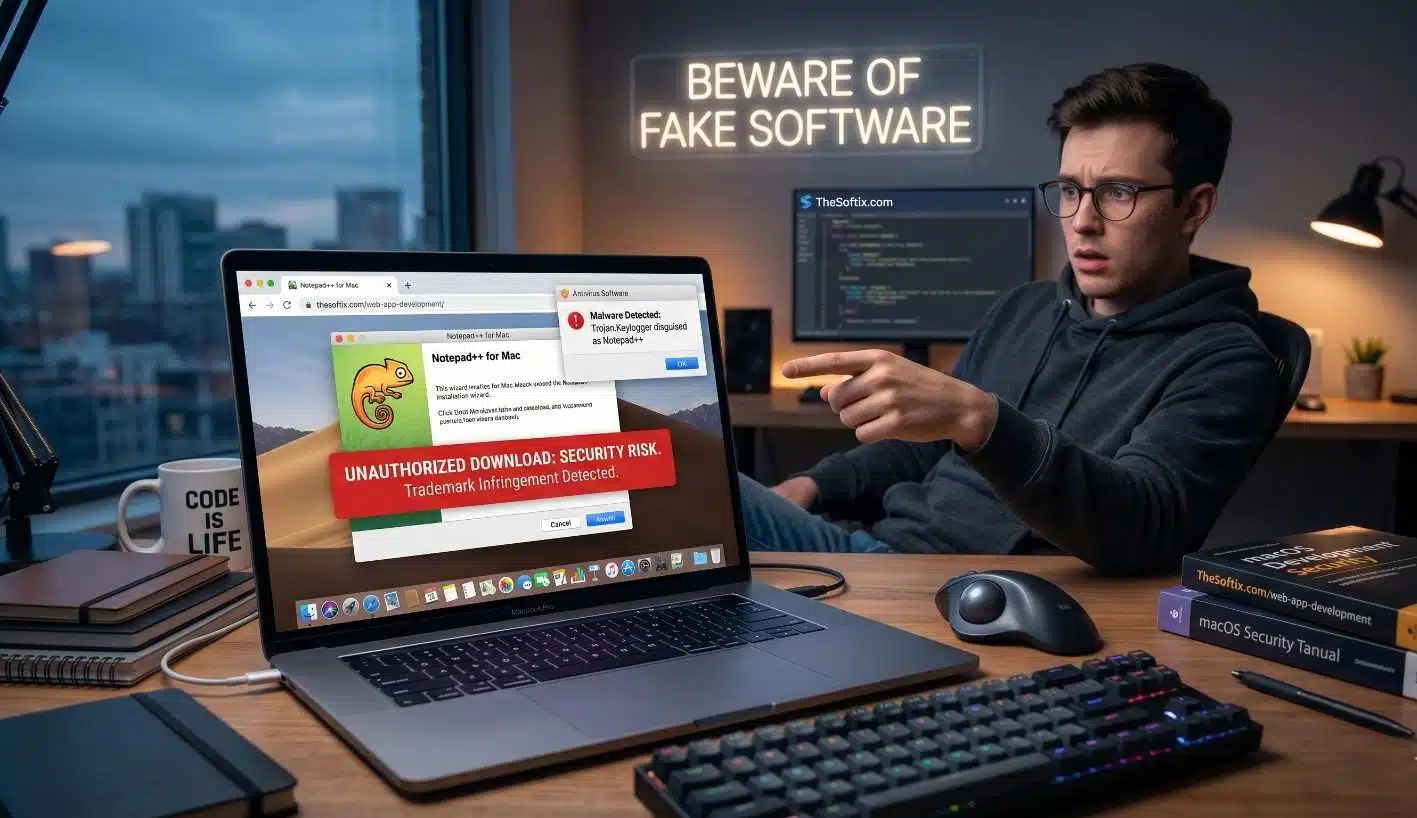
The digital era is currently navigating a period of heightened vulnerability as threat actors increasingly weaponize the reputations of established software brands to facilitate complex intrusion sets. One of the most prominent examples of this trend is the ongoing campaign targeting users seeking a macOS version of Notepad++, a staple text and source code editor that remains natively exclusive to the Windows platform. The official developer, Don Ho, has repeatedly clarified that the application relies on Win32 APIs, precluding an official Apple Silicon or Intel-based Mac release. This functional vacuum has created an ideal environment for cybercriminals to deploy unauthorized clones, malicious forks, and deceptive download portals designed to exploit user trust and deliver high-impact infostealers like MacSync.
The Strategic Exploitation of the Notepad++ Brand Identity
The absence of a legitimate macOS port has forced many developers and power users to seek alternatives, a search behavior that is systematically harvested by malicious actors through search engine optimization (SEO) poisoning and malvertising. When users query terms associated with the software, they are often presented with highly polished websites that mimic the aesthetic and branding of the original project. One specific domain, notepad-plus-plus-mac.org, has been identified as a primary offender, using the official logo and even the biography of the original creator to fabricate legitimacy. This psychological manipulation is the first stage in a multi-vector attack chain that circumvents traditional technical defenses by inducing voluntary user interaction.
The success of these impersonation sites relies on the “trust bridge” formed by the application’s twenty-year history of open-source reliability. Users who have relied on the tool in Windows environments frequently lower their defensive barriers when transitioning to macOS, assuming that a high-ranking search result for a familiar brand is inherently safe. However, the reality is that these sites are often merely shells for the delivery of malicious scripts. The official stance of the Notepad++ team is unequivocal: any site claiming to offer an official Mac version is unauthorized, and users are urged to treat these resources as suspicious.
| Entity Type | Platform Support | Official Status | Security Infrastructure |
| Official Notepad++ | Windows (Win32) | Genuine | Digitally Signed / Verified |
| Unofficial Port (e.g., Letov) | macOS (Cocoa) | Unauthorized Fork | Community Maintained |
| Malicious Fake Site | None (Malware Delivery) | Fraudulent | Unsigned / Malicious Scripts |
| NotePadNext | Cross-platform | Independent Reimplementation | Open Source (GitHub) |
The risk extends beyond the simple installation of unwanted software. Because Notepad++ is primarily a tool for developers, the victims of these campaigns are often high-value targets with access to cloud infrastructure, sensitive source code, and corporate credentials. The impersonation of the brand is not merely a trademark violation; it is a strategic maneuver designed to gain entry into secure enterprise environments by targeting the workstations of those who manage them.
Technical Evolution of the ClickFix Social Engineering Vector
Modern malware campaigns have shifted away from relying solely on technical exploits, which are frequently patched by operating system updates, toward social engineering techniques that exploit human logic. The “ClickFix” method has emerged as the preferred initial access vector for targeting macOS users. This technique involves presenting the user with a deceptive error message, a fake CAPTCHA, or a simulated security prompt that claims a “fix” is required to proceed with a download or view content. The victim is then guided through a series of steps that result in the manual execution of a malicious command in the system terminal or script editor.
The psychological framing of ClickFix is particularly effective because it aligns with familiar technical workflows. A developer who is used to installing packages via Homebrew or managing systems through the command line is less likely to be alarmed by a prompt asking them to paste a string into the Terminal. These strings are typically Base64-encoded or highly obfuscated, making them unintelligible to the average user while hiding commands that initiate the download and in-memory execution of second-stage payloads. By inducing the user to run the code themselves, the malware effectively bypasses many of the built-in protections of macOS, such as Gatekeeper and XProtect, which are designed to flag unverified binaries but may struggle with user-authorized shell scripts.
| Component of ClickFix | Social Engineering Lure | Underlying Technical Mechanism |
| Deceptive Landing Page | Fake Cloudflare / Google Robot Check | Hijacked Google Ads / SEO Poisoning |
| User Instruction | “Copy and Paste this Code to Verify” | `pbpaste |
| Execution Context | macOS Terminal / Script Editor | Living-off-the-Land (LotL) execution |
| Forensic Footprint | Transient in-memory execution | Minimal disk activity / Self-deleting scripts |
Recent iterations of these campaigns have shown increased technical sophistication, such as the use of the applescript:// URL scheme to launch the macOS Script Editor directly from a browser. This bypasses the Terminal entirely, reducing the number of clicks required and leveraging a different set of system permissions. The transition from simple binary downloads to multi-stage, script-based loaders indicates a move toward a “Loader as a Service” (LaaS) model, where the initial access team and the malware developers operate as separate but coordinated entities.
The Anatomy of MacSync Stealer: A Sophisticated Threat
This analysis examines the operational architecture of macOS malware and the critical cybersecurity risks that emerge when users download fake software and credential stealers through unauthorized channels, leading to total data exfiltration. The primary payload identified in recent Notepad++ impersonation campaigns is MacSync, a powerful information stealer that has been observed targeting a wide range of sensitive data points. MacSync is often distributed as a Nuitka-compiled Python binary, a choice that makes reverse engineering significantly more difficult compared to standard scripts.
Once established on a host, MacSync performs an exhaustive sweep of the system’s digital assets. It targets more than 80 different browser-based cryptocurrency wallet extensions and over 20 desktop wallet applications, attempting to extract private keys and seed phrases. Beyond financial assets, the malware is highly focused on developer environments. It systematically searches for and exfiltrates AWS, Azure, and Google Cloud Platform credentials, as well as Kubernetes configuration files and SSH private keys. This focus suggests that the threat actors are interested in lateral movement into cloud infrastructure, potentially for the purpose of launching larger-scale supply chain attacks or ransomware operations.
| Data Category | Target Artifacts | Impact Level |
| Cloud Infrastructure | .aws/credentials, .kube/config, Azure tokens | Critical (Service hijacking) |
| Development Tools | SSH keys, Git auth, Docker config, Shell history | High (System access) |
| Financial Assets | MetaMask, Ledger Live, Crypto wallet databases | Immediate (Theft) |
| Browser Data | Login DBs, Cookies, Session tokens, Autofill | High (Account takeover) |
| Communications | Telegram data, macOS Notes, Keychain entries | Moderate to High (Espionage) |
The malware also demonstrates defensive evasion capabilities, including the ability to generate unique identifiers for infected systems and communicate with a C2 server over encrypted channels. In some instances, it has been observed trojanizing existing applications like Ledger Live by replacing core application files with malicious versions. This level of persistence ensures that even if the initial loader script is deleted, the infection remains active and capable of receiving remote upgrades or additional payloads.
Fortifying Digital Infrastructure Through Continuous Upkeep
Protecting the integrity of online distribution channels and corporate web applications requires a commitment to professional Website Maintenance Services to prevent the hijacking of legitimate domains for use in malware campaigns and to ensure that web app development projects are shielded from the risks of fake software distribution and cybersecurity risks. The infrastructure used in the Notepad++ campaigns often involves hijacked legitimate websites that have been compromised due to unpatched vulnerabilities or weak configurations. These sites serve as proxies for the attackers’ C2 servers or as hosts for the initial ClickFix landing pages.
A comprehensive maintenance strategy acts as a first line of defense against these intrusions. By implementing regular security scans, database hardening, and plugin audits, organizations can significantly reduce their attack surface. For companies that manage their own software distribution or customer portals, maintenance is not merely an operational task but a security mandate. Hackers frequently target outdated Content Management Systems (CMS) or insecure API endpoints to inject malicious redirects that lead users to fake software portals.
| Maintenance Task | Security Benefit | Implementation Frequency |
| Security Patching | Closes vulnerabilities in CMS and plugins | Immediate upon release |
| Malware Scanning | Detects unauthorized file changes and code injections | Daily to Weekly |
| Uptime Monitoring | Identifies suspicious downtime or traffic spikes | Every 5 Minutes |
| Database Hardening | Protects sensitive user data and credentials | Quarterly |
| Backup Restoration Testing | Ensures recovery from a ransomware or hijacking event | Bi-annually |
Furthermore, the role of website maintenance extends to the preservation of search engine reputation. If a site is identified as hosting malware, it may be blacklisted by search engines like Google, causing immediate damage to brand trust and business revenue. Professional services ensure that the technical health of the site including SSL certificates and security headers—remains compliant with current industry standards, making it harder for threat actors to repurpose the site’s authority for their own gain.
The Impact on Enterprise Development and Web App Security
The targeting of Notepad++ for Mac users is particularly concerning for the enterprise because it strikes at the heart of the development lifecycle. When a developer installs a malicious tool, they essentially introduce a Trojan horse into the corporate network. This compromise can lead to the theft of proprietary code, the exposure of internal API keys, and the potential for a full-scale supply chain attack. The incident involving the official Notepad++ version 8.9.9 distribution infrastructure, which was compromised to deliver the Chrysalis backdoor, serves as a sobering reminder that even legitimate software sources must be continuously monitored for signs of subversion.
For organizations engaged in web app development, the lessons are clear: security must be integrated into every stage of the process, from the selection of development tools to the ongoing maintenance of the production environment. Using unverified or third-party “ports” of essential software is a risk that can no longer be ignored. Enterprises should enforce strict software whitelisting policies and provide their development teams with vetted, native alternatives to Windows-only applications.
| Risk Factor | Potential Business Consequence | Mitigation Strategy |
| Credential Theft | Unauthorized access to cloud consoles (AWS/Azure) | Multi-Factor Authentication (MFA) |
| Code Exfiltration | Intellectual property loss / Loss of competitive edge | Secure Git environments / Data Loss Prevention (DLP) |
| Supply Chain Attack | Injection of malware into production apps | Software Bill of Materials (SBOM) / Binary signing |
| Ransomware | Total data loss / Business disruption | Air-gapped backups / Incident response planning |
The financial impact of a successful intrusion can be staggering, with the average cost of downtime estimated at $5,600 per minute. Beyond the immediate financial loss, the reputational damage caused by a data breach or a hijacked distribution channel can take years to recover. This underscores the necessity of moving from a reactive “break-fix” model to a proactive maintenance and security posture.
Brand Protection and the Mitigation of Impersonation Risks
Software developers and businesses must take an active role in protecting their trademarks and digital identities from impersonation. The Notepad++ case illustrates how easily a brand can be co-opted to serve malicious ends. A proactive brand protection strategy involves continuous monitoring of the surface, deep, and dark web for unauthorized uses of logos, trademarked names, and cloned assets.
Technological solutions play a critical role in this defense. Implementing DMARC with a “reject” policy ensures that attackers cannot use a brand’s domain to send phishing emails that might coach users into running ClickFix commands. Similarly, defensive domain management involves registering common typosquatting variations of a primary domain and monitoring for new registrations that contain the brand name. When infringing domains are identified, leveraging established relationships with hosting providers and registrars allows for the rapid removal of malicious infrastructure.
| Brand Protection Layer | Actionable Defense | Objective |
| Domain Management | Register .org, .net, and typosquat variations | Prevent domain-based phishing |
| Identity Authentication | Implement SPF, DKIM, and DMARC (p=reject) | Secure email communication channels |
| Threat Intelligence | Monitor dark web for “leaked” brand assets | Identify pre-planned campaigns |
| Legal Enforcement | Takedown notices and trademark litigation | Shorten the lifecycle of fake sites |
Educating customers and employees is equally vital. Businesses should maintain a clear “official sources only” policy and regularly warn their users about the techniques scammers use, such as fake CAPTCHAs and Terminal pasting. Transparency regarding which platforms are officially supported and which are not can help users identify fraudulent software before they engage with a malicious download.
Analysis of OS-Level Security Responses: macOS 26.4 Tahoe
Apple has recognized the severity of the ClickFix threat and has introduced a native security feature in macOS Tahoe 26.4 designed to disrupt the social engineering chain. This feature, known as Terminal paste protection, identifies when a user attempts to paste a potentially harmful command into the Terminal app. The system uses a private API, _sourceSigningIdentifier, to determine the origin of the content on the clipboard. If the content was copied from a web browser or a chat application, the system triggers a warning dialog that halts execution and informs the user of the risks.
While this is a significant step forward, analysis suggests that the protection is not a complete solution. The warning dialog is reportedly not displayed if the Terminal was opened within the last 30 days or if certain developer tools are installed, which could leave experienced users the primary targets of these campaigns unprotected. Furthermore, threat actors have already demonstrated the ability to pivot to other execution vectors like the Script Editor, which do not yet have the same level of automated monitoring.
| Security Feature | Mechanism | Limitation |
| Paste Protection | Clipboard source verification | Bypassable via Script Editor / Non-browser sources |
| Gatekeeper | Developer ID and Notarization checks | Can be bypassed by user-authorized shell scripts |
| XProtect | Static signature matching | Struggles with obfuscated or Nuitka-compiled binaries |
| App Sandbox | Privilege restriction | Ineffective against LotL commands that run as the user |
This cat-and-mouse game between Apple and malware developers highlights the importance of a layered security approach. Relying on a single OS-level feature is insufficient; users must combine system protections with robust web security tools, endpoint detection, and, most importantly, critical thinking. The decision to “Paste Anyway” remains a human one, and as long as users are pressured by urgency or deceptive lures, social engineering will continue to be effective.
Legitimate Pathways for Running Notepad++ on macOS
For users who genuinely require the functionality of Notepad++ on a Mac, there are secure, legitimate ways to achieve this without resorting to unauthorized and potentially malicious websites. These methods utilize official software and verified virtualization technologies to maintain system integrity.
One common approach is the use of virtualization software such as VMware Fusion or Parallels Desktop. By setting up a virtual Windows environment, users can install the official version of Notepad++ from the genuine notepad-plus-plus.org website. This environment can share a clipboard with the host macOS system, allowing for the seamless transfer of text and code while keeping the potentially vulnerable application isolated within a virtual machine.
Alternatively, many users have successfully transitioned to native macOS text editors that offer identical or superior functionality. Applications like Sublime Text and VS Code provide robust plugin ecosystems and cross-platform compatibility, making them excellent choices for professional developers. For those seeking a purely native, lightweight experience, CotEditor offers a fast, open-source alternative that respects the macOS Human Interface Guidelines and is distributed through official channels like the Mac App Store.
| Alternative Solution | Implementation | Security Level |
| Virtualization (VMware/Parallels) | Runs official NPP in a secure Windows VM | Highest (Full isolation) |
| Wine / CrossOver | Compatibility layer for Windows executables | High (Requires verified EXE) |
| Native Editors (VS Code/Sublime) | Direct macOS installation of verified apps | High (Digitally signed) |
| Independent Ports (NotePadNext) | Cross-platform reimplementation | Moderate to High (GitHub-verified) |
By choosing these paths, users eliminate the risk of encountering ClickFix lures or installing infostealers like MacSync. The shift from “searching for a workaround” to “using a professional native tool” is a critical step in maintaining a secure development workstation.
Conclusion and Strategic Recommendations
The “Trademark Trouble” surrounding fake versions of Notepad++ for Mac is a stark illustration of the evolving threat landscape where brand trust is leveraged to bypass technical security. The convergence of SEO poisoning, malvertising, and social engineering in the form of ClickFix has created a highly effective delivery mechanism for dangerous infostealers like MacSync. This campaign specifically targets the most valuable assets of the modern enterprise: the credentials and configurations that govern cloud infrastructure and development environments.
To mitigate these risks, organizations must adopt a holistic security strategy that combines technical controls with active brand protection and a commitment to infrastructure maintenance. The introduction of macOS Tahoe 26.4 features like Terminal paste protection is a welcome development, but it must be supported by a culture of security awareness that prevents users from following unverified instructions in the first place.
For businesses engaged in software distribution or web development, the following actions are recommended:
- Enforce Software Integrity: Strictly limit the use of development tools to official, signed, and notarized versions. Provide teams with native macOS alternatives to prevent them from seeking unauthorized ports.
- Prioritize Maintenance: Invest in professional website maintenance to secure distribution channels and prevent domain hijacking. Regular audits and patches are essential to maintaining the integrity of the digital storefront.
- Active Brand Defense: Monitor for domain impersonation and trademark infringement. Rapidly decommissioning fraudulent sites and implementing DMARC policies are critical for protecting both the brand and its users.
- Enhance Behavioral Monitoring: Deploy endpoint protection tools that can identify the signs of script-based malware and in-memory execution, rather than relying solely on file-based signatures.
- User Education: Train technical staff on the specific indicators of social engineering, emphasizing that legitimate technical support or installation workflows will never require pasting incomprehensible commands into a system shell.
As threat actors continue to refine their methods, the burden of defense falls on both the platforms that host our work and the individuals who operate within them. By understanding the mechanisms of impersonation and the value of proactive maintenance, the cybersecurity community can turn the tide against those who seek to weaponize our trust.
Share