For the last twenty years, the paradigm of software interaction has remained stubbornly static. We build complex control panels, and then we train humans to be the pilots. We call this “User Experience Design,” but in reality, it is often just Cockpit Design.” We present users with a dazzling array of switches, knobs, sliders, and dashboards, and then we congratulate ourselves when they manage to navigate the turbulence without crashing. We have optimized the tool, but we have burdened the user. The user is still the engine, the navigator, and the manual laborer. They are the ones clicking “save,” “export,” “schedule,” and “confirm.” But the promise of the next generation of software is not about better buttons. It is about the absence of buttons.
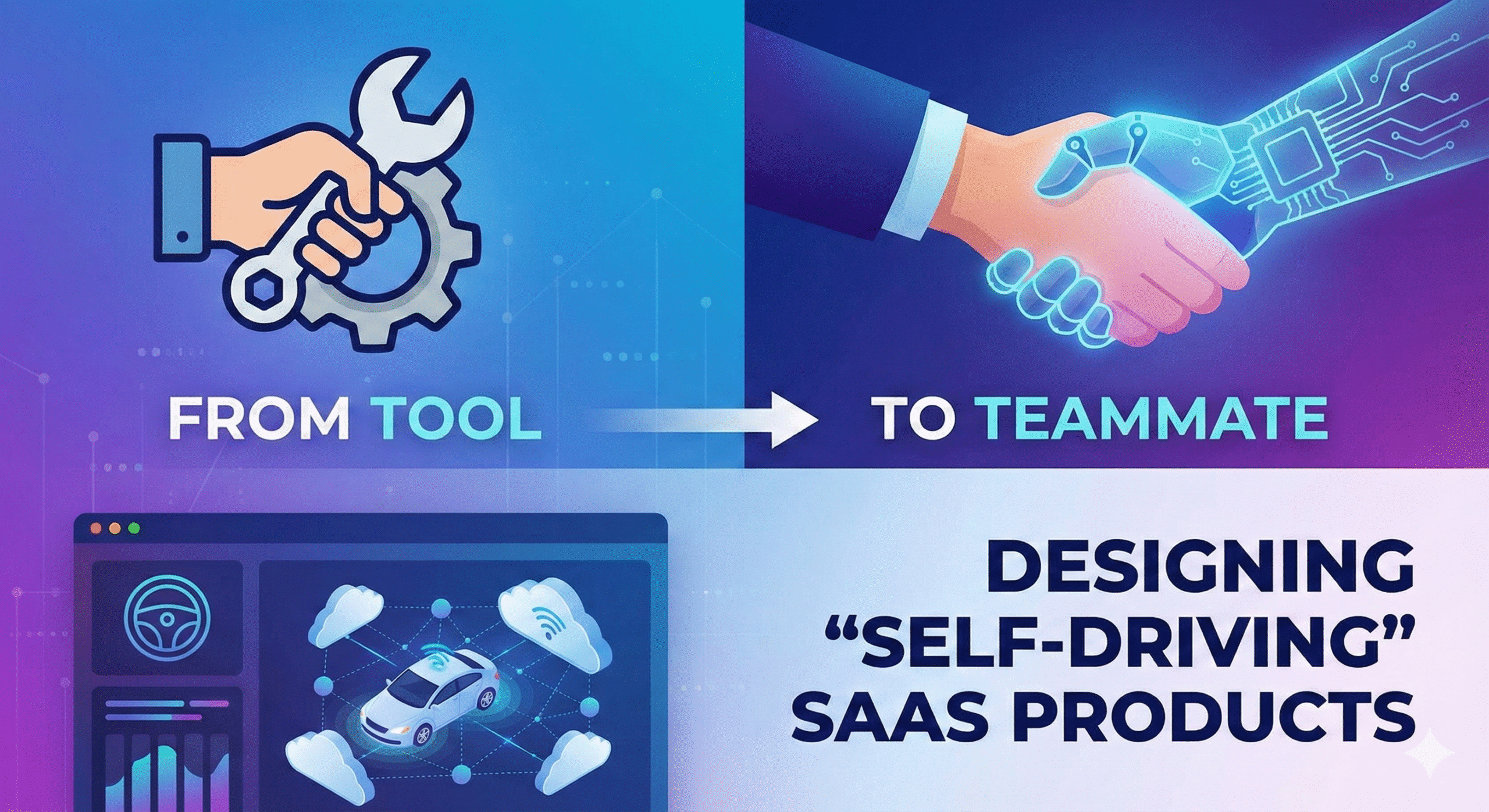
We are witnessing the extinction of the “admin panel” as the primary mode of interaction. The industry is pivoting violently toward “Self-Driving” SaaS. This is not merely a feature update; it is an ontological shift in what software is. We are moving from deterministic tools inert hammers waiting to be swung to probabilistic teammates that observe, interpret, and execute. The goal of the modern interface is no longer to clarify the workflow for the user; the goal is to eliminate the workflow entirely. The software of 2026 does not ask you how to do your job; it simply asks for permission to get it done.
The Architectural Pivot: Beyond CRUD to Cognition
The transition from passive instrument to active agent requires tearing down the traditional mental models that have governed our industry since the dot-com boom. We are accustomed to building Create, Read, Update, and Delete (CRUD) applications. In this archaic model, the database is dumb, and the user provides the intelligence. The user inputs data, the system stores it, and the user retrieves it. It is a digital filing cabinet. However, the era of SaaS Development is undergoing a radical metamorphosis, moving away from static data repositories toward goal-oriented architectures that prioritize agency over storage. We are no longer coding distinct pathways for every possible user action; we are coding boundaries and objectives for autonomous agents.
This architectural pivot implies that the “state” of the application is no longer just a record of what happened in the past; it is a prediction of what needs to happen next. The codebase changes from a set of strict rules into a set of heuristics. A traditional project management tool waits for a manager to change a task status from “In Progress” to “Blocked.” A self-driving tool notices that the GitHub pull request has stalled for 48 hours, infers that the task is blocked, updates the status automatically, and pings the relevant engineer on Slack to ask if they need help. The “feature” here isn’t the status update; the feature is the awareness. The software has graduated from a repository to a participant.
Intent-Based Interfaces and the Death of Navigation
If the software is doing the driving, the steering wheel must change. We are seeing the rise of “Intent-Based Interfaces.” In a traditional SaaS product, if a user wants to increase revenue churn retention, they have to navigate to the “Analytics” tab, filter by “Q3,” export the CSV, upload it to an email tool, write a campaign, and hit send. The user has to translate their intent (“Save at-risk customers”) into a series of mechanical steps that the software understands. This translation layer is where friction lives. It is where users get frustrated and churn.
The self-driving alternative removes the translation layer. The interface becomes a canvas for intent. The user simply states the goal: “Reduce churn for customers usage dropping below 50%.” The system then decomposes this intent into actions. It drafts the email, segments the audience, and presents a plan for approval. The UI shifts from a hierarchy of menus to a feed of proposals. The user’s role elevates from “operator” to “editor.” They are no longer doing the work; they are reviewing the work done by the software. This fundamentally changes the visual language of design. We don’t need persistent navigation bars on the left side of the screen if the user rarely needs to “go” anywhere. The navigation becomes ephemeral, appearing only when the user needs to correct the course, otherwise fading into the background to let the results take center stage.
The Trust Loop: “Human on the Loop” vs. “Human in the Loop”
The greatest barrier to self-driving SaaS is not technology; it is trust. When you take the controls away from a user, you trigger anxiety. They wonder if the system is making the right choices. They fear the “black box.” Therefore, the primary design challenge of autonomous software is observability. We must design systems that “show their work” without overwhelming the user. If an AI supply chain tool decides to order 5,000 units of raw material, it cannot just execute the trade. It must present the logic: “I am ordering 5,000 units because weather patterns suggest a delay in shipping next month, and current inventory is below the safety threshold.”
This introduces the concept of the “Trust Loop.” Initially, users will want to be “in the loop” approving every single action. “Do you want me to send this email? Yes/No.” As the system proves its competence, the design must allow the user to transition to being “on the loop.” This means the system acts automatically but notifies the user. “I sent this email 5 minutes ago; click here to undo.” Eventually, the user moves “out of the loop,” only checking in on high-level metrics. Designing for this graduation is critical. If you force a user to approve everything forever, you haven’t built a self-driving car; you’ve built a driving instructor. But if you remove controls too early, the user will panic and abandon the product. The UI must be elastic, expanding to show detail when trust is low, and collapsing to show simple outcomes when trust is established.
Exception Handling as the New Core Feature
In deterministic software, errors are bugs. In probabilistic, self-driving software, errors are inevitable hallucinations or misinterpretations. The AI will guess wrong. It will misinterpret a vague instruction. Therefore, “Exception Handling” moves from being an edge case to a core product feature. The ability to “Rewind” and “Correct” becomes more important than the ability to “Create.”
Imagine a self-driving CRM that automatically logs calls and updates deal stages. If it incorrectly marks a deal as “Lost,” the user needs a one-click mechanism to say, “No, that’s wrong, here is why.” The system must then not only revert the change but learn from the correction. This feedback mechanism is the heartbeat of the product. The UI should celebrate corrections rather than burying them. A “Teach Me” button should be prominent. When a user corrects the system, the system should respond with gratitude: “Thanks, I’ve updated my model for this client.” This turns the error into a bonding moment between the human and the teammate, reinforcing the idea that they are working together to improve the system’s accuracy.
The Invisible Interface and Ambient Computing
The ultimate evolution of the self-driving SaaS is invisibility. The best teammate is one who anticipates your needs so well that you don’t even have to speak. We are moving toward “Ambient SaaS,” where the application lives entirely in the background, surfacing only in the environments where the user already works. Why should a salesperson log into Salesforce? The CRM should live inside their email client and their Zoom calls, silently transcribing, categorizing, and updating records.
This requires a “Headless” design philosophy. The value of the SaaS is not the pixels on its own URL; it is the utility it delivers via APIs and integrations into Slack, Microsoft Teams, or the OS itself. The “Dashboard” becomes a digest sent on Friday afternoon, not a place you visit daily. This is terrifying for designers who measure success by “Time on Site” or “Daily Active Users.” In the self-driving world, high “Time on Site” might actually indicate failure. It means the autonomous agent failed to do its job, forcing the human to intervene. We must find new metrics for success, such as “Time Saved” or “Decisions Automated.” We have to become comfortable with the idea that the user might love our product while rarely seeing our logo.
From Subscription to Outcome
This shift in mechanics inevitably forces a shift in economics. If a piece of software is a tool, you rent it. You pay for the right to hold the hammer. This is the “Seat-Based” subscription model. But if the software is a teammate that does the work, seat-based pricing makes no sense. You don’t pay an agency for how many chairs they have in their office; you pay them for the deliverables.
Self-driving SaaS aligns better with outcome-based or usage-based pricing. If an autonomous marketing platform generates $50,000 in leads, it should capture a percentage of that value, or charge per lead generated, rather than charging $29/month. This economic alignment incentivizes the developers to build better autonomy. If the software gets stuck and requires human intervention, the value drops. If it executes flawlessly, the value skyrockets. This puts the burden of performance on the vendor, not the user. It forces the “SaaS Development” roadmap to focus purely on efficacy rather than feature bloat. We stop building “more reports” and start building “better results.”
Conclusion
The transition from Tool to Teammate is not just a trend; it is the inevitable maturity of the software industry. We have spent decades digitizing paper processes, turning ledgers into spreadsheets and Rolodexes into CRMs. That phase is over. We have enough data. We have enough compute. The next phase is about digitizing agency.
Designing these products requires a surrender of control. We must stop designing static screens and start designing dynamic behaviors. We must stop obsessing over the color of the button and start obsessing over the clarity of the intent. It is a scary transition for those of us who love the pixel-perfect control of traditional UI design. But the reward is a digital world that is less noisy, less demanding, and infinitely more helpful. We are finally building computers that act like computers machines that think, so we don’t have to.