
Published: September 9, 2026 · Last updated: September 9, 2026 · Author: Softix
Neon database branching lets SMB SaaS teams clone Postgres the way they clone Git: copy-on-write, isolated from production load, and disposable when the PR dies. For US founders and product-engineering leads, the useful question is not “can we spin a second RDS?” It is: when do we Branch for a PR or preview, how do we Isolate schema and data risk, and how do we Expire every temporary database so storage does not become a graveyard?
Softix calls that operating model Branch–Isolate–Expire. It sits next to tenancy choices in our multi-tenant Postgres Pool–Policy–Escape guide and release controls in feature flags for SaaS. This post is the database lifecycle layer for SaaS development and custom software teams shipping on serverless Postgres.
In May 2025, Databricks announced agreement to acquire Neon (widely reported near $1B). Softix treats that as corporate context, not a reason to skip TTL hygiene or RLS. Product behavior below is grounded in Neon’s branching docs, not acquisition press.
What Neon branching actually is (plain English)
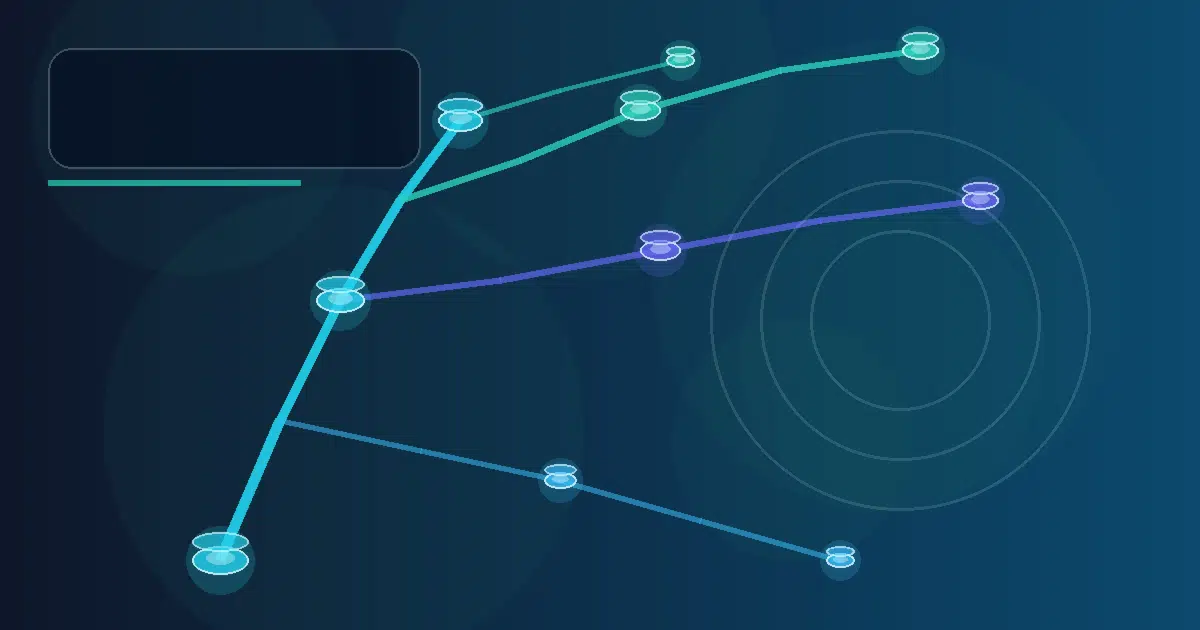
A Neon branch is a copy-on-write clone of a parent branch’s data (or a past point in your history window). Writes land as deltas. Creating a branch does not load the parent compute the way a logical dump into a second instance would. Neon’s introduction is explicit: branches are isolated, changes are independent, and parent performance is not the cost of “give QA a real database.”
That is different from:
| Approach | What you get | SMB failure mode |
|---|---|---|
| Shared staging DB | One mutable playground | Flaky tests, schema races, “who dropped the table?” |
| Nightly dump → staging | Stale copy, long restore | Hours of wait; PII still present unless scrubbed |
| Neon branch (data) | Instant CoW clone | Orphan branches if you never set TTL |
| Neon schema-only branch | Structure, no row data | Wrong choice when you need realistic fixtures |
Softix default for PR/preview: branch from a non-production parent (or a scrubbed “seed” branch), wire the connection string into the preview app, and always set expiration.
Softix Branch–Isolate–Expire
Branch — create a database for the change, not a forever environment
Use when: a pull request, preview deploy, migration dry-run, or CI job needs Postgres that matches today’s schema (and often today’s data shape).
Prefer:
- Name branches after the PR or job (
pr-1842,ci-migrate-2026-09-09), not after people. - Create via Neon API, CLI, Console, or
neondatabase/create-branch-actionin GitHub Actions. - Attach a read-write endpoint when the app must migrate and write.
- Pass the resulting
db_url/ host into the preview web app the same way you passDATABASE_URLtoday. - Set
expires_atat create time (RFC 3339, future, max 30 days per Neon’s branch-expiration guide)—do not rely on someone remembering to delete.
Neon’s GitHub Action accepts expires_at and can compute a TTL (for example two weeks) with date -u --date '+14 days' +'%Y-%m-%dT%H:%M:%SZ'. Softix recommendation for PR previews: 2–7 days; for CI smoke: 1–4 hours.
Do not Branch when: the work is a pure feature-flag UI experiment with no schema change and no data-dependent test—flags are cheaper than a database. See the feature-flags release strategy.
Isolate — separate schema risk, data risk, and auth risk on purpose
Branching is isolation of compute and storage deltas, not automatic compliance. Softix Isolate rules:
- Schema migrations run on the branch first. Apply Flyway/Liquibase/Prisma/Drizzle against the PR branch; never “try it on main because staging is down.”
- Prefer schema-only when production rows are confidential. Neon schema-only branches copy structure without row data (
init_source: schema-onlyon the API;branch_type: schema-onlyon the GitHub Action). They are independent root branches (no parent for reset-from-parent). Use them for CI that seeds synthetic data, or for contractors who should not see customer PII. Feature is documented as Beta—verify plan limits (root-branch allowances and per-schema-only storage caps differ by Free/Launch/Scale). - Use data branches only from scrubbed or lower-env parents when you need realistic joins and volume. Do not treat “branch from production” as default for every contractor laptop.
- Keep RLS and tenant context on. A branch that clones pooled multi-tenant tables still needs the same Policy discipline as production—see Pool–Policy–Escape.
- Secrets stay per-branch. Rotate or scope API keys; never paste a production connection string into a public CI log. Neon’s Action masks passwords in printed
db_urloutput—still treat logs as hostile.
Isolation fails when teams share one long-lived “dev” branch for all PRs. That recreates the staging-DB problem with prettier branding.
Expire — TTL is a product requirement, not a nice-to-have
Neon branch expiration deletes the branch (and associated compute endpoints) after expires_at. Console creation defaults to auto-delete (often 1 day); API/CLI require you to set expiration explicitly—there is no API default TTL. Softix Expire checklist:
- Every ephemeral branch gets
expires_at(or Console auto-delete) at birth. - On PR close/merge, delete early via API/Action—do not wait for TTL if the branch is already useless.
- Remember Neon restrictions: you generally cannot expire protected/default/parent branches, or create children from an expiring branch. Plan topology so ephemeral leaves expire; durable roots do not.
- Deletion is permanent. Do not put the only copy of a migration experiment on a branch that expires in an hour without exporting the SQL you want to keep.
- Track branch count and storage in weekly ops review the same way you track unused feature flags.
Without Expire, Branch becomes a storage tax. Softix has seen more teams fail on orphan environments than on “Neon was too slow to create.”
Branch–Isolate–Expire at a glance
| Gate | Question | Softix default |
|---|---|---|
| Branch | Does this PR/preview/CI need its own Postgres? | Yes if schema or data-dependent tests; else skip |
| Isolate | Schema-only, scrubbed data, or full CoW? | Schema-only or scrubbed parent for most external eyes; full CoW for internal preview fidelity |
| Expire | When does this die? | Set expires_at ≤ 7 days for PRs; hours for CI; delete on PR close |
Example shapes (illustrative, not Softix customer metrics)
GitHub Actions PR preview. On pull_request, create branch with neondatabase/create-branch-action@v6, pass project_id, api_key, branch_name: pr-${{ github.event.number }}, and expires_at two weeks out (or shorter). Inject steps.create-branch.outputs.db_url into the preview deploy. On pull_request closed, delete the branch. Softix does not publish invent conversion or cost savings from this pattern—measure your own storage delta.
Migration dry-run. Branch from main (or staging), run migrate + smoke queries, expire in four hours. Promote SQL only after green checks—same spirit as progressive delivery with flags.
Contractor schema work. Schema-only branch, synthetic seed, 7-day TTL, no production connection string in their laptop .env.
Limits and honest caveats
- Expiration max is 30 days from “now” when you set it; background deletion may not be exact to the second.
- Schema-only is Beta and counts against root-branch allowances; reset-from-parent is not available on schema-only roots.
- History window (instant restore / branch-from-past) is a separate retention setting and affects storage cost—do not confuse it with branch TTL.
- Databricks ownership does not replace your isolation and expire policies. Verify current Neon plan limits and Early Access notes in the live Console/docs before you automate.
- Softix will not invent “X% faster deploys” or named customer win rates. Instrument your CI duration and branch storage yourself.
30-day rollout for an SMB SaaS team
Days 1–7 — Inventory. List every shared staging database and long-lived Neon branch. Mark which jobs need data vs schema-only. Confirm API key storage in GitHub Actions secrets (not in the repo).
Days 8–14 — Branch + Expire in CI. Wire create-branch + delete on PR close for one service. Force expires_at on every created branch. Fail the workflow if expiration is missing.
Days 15–21 — Isolate policy. Decide parent for data branches (scrubbed staging vs production). Adopt schema-only for contractor and open-contribution paths. Re-check RLS on branched apps.
Days 22–30 — Ops hygiene. Dashboard: open PR branches, ages, storage. Delete orphans. Document Branch–Isolate–Expire in the engineering handbook next to tenancy and feature-flag retirement.
FAQ
Is Neon database branching the same as Git branching?
Conceptually yes (isolated line of work); physically it is copy-on-write Postgres storage with its own compute endpoints, connection strings, and TTL rules—not a filesystem checkout.
Should every feature flag get a database branch?
No. Flags control code paths; branches control data and schema experiments. Use both: flags for progressive exposure, branches for migrations and data-dependent previews.
Can we expire the production branch?
No—Neon’s docs restrict expiration on default/protected/parent topologies. Expire ephemeral leaves only.
Is schema-only enough for integration tests?
Often yes for “does the migration apply?” and “do queries parse?” When tests need realistic cardinality or anonymized production joins, use a scrubbed data parent instead.
Softix CTA
If you are choosing Postgres tenancy, preview environments, and release controls for a US SMB SaaS product, Softix can scope a Branch–Isolate–Expire rollout alongside SaaS development, custom software development, and web app development. Bring your current staging pain and CI logs—we will not invent benchmarks you have not measured.
Primary sources
- Neon — Branching
- Neon — Branch expiration
- Neon — Schema-only branches
- Neon — Branching with the API
- neondatabase/create-branch-action
- Databricks — Agrees to acquire Neon (May 14, 2025)
Share


