
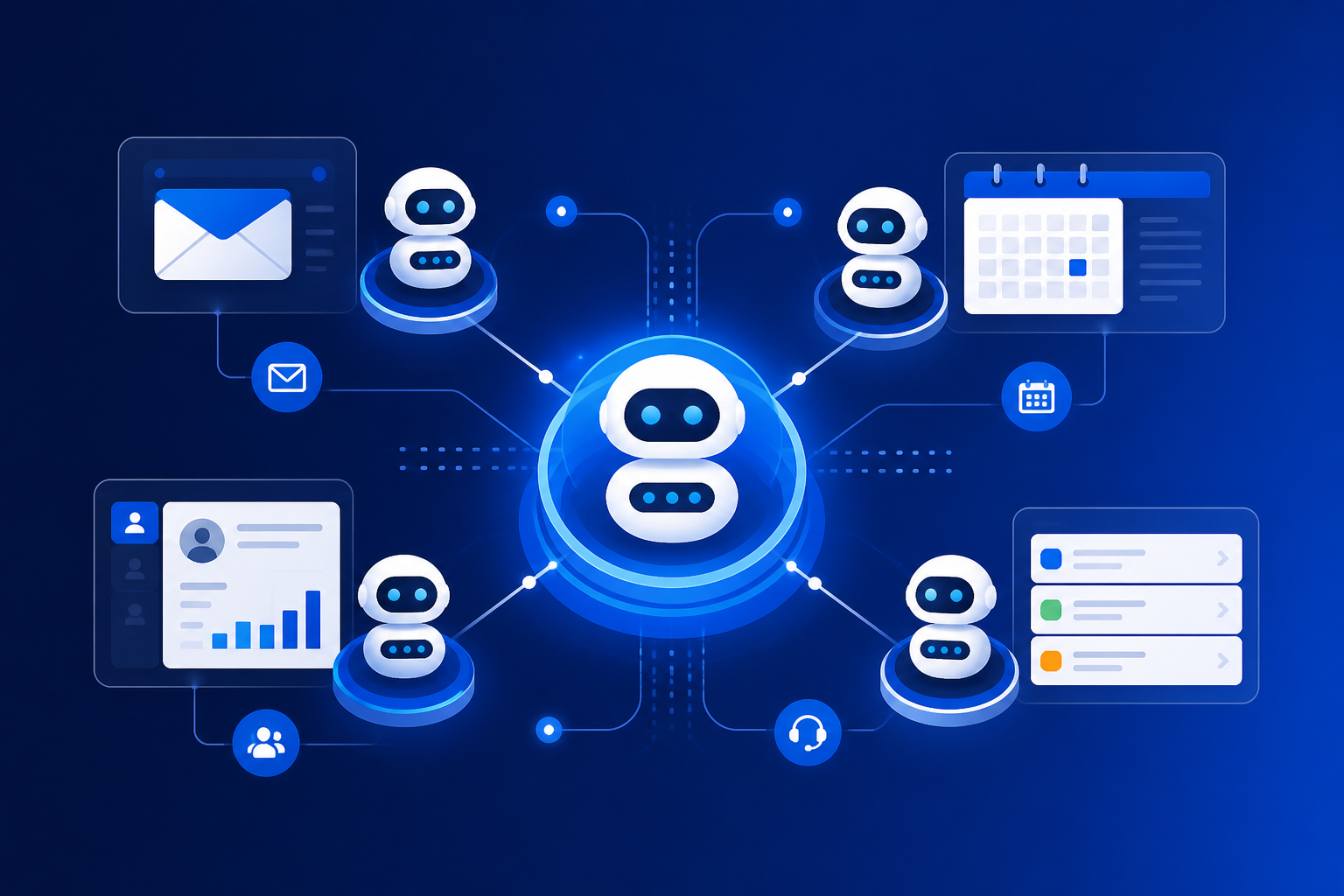
AI agents for business are no longer a Silicon Valley experiment. According to 2026 search demand data, queries like “AI agents for business” have surged over 210% year-on-year, while interest in “autonomous AI agents” has climbed more than 770%. Businesses are past the “what is ChatGPT?” phase. They now want AI that completes work—qualifying leads, updating CRMs, processing support tickets, and running internal workflows without someone babysitting every step.
This guide is written for owners, marketing leaders, and operations teams at small and mid-size companies who want practical clarity—not hype. You’ll learn what an AI agent actually is, which workflows deliver ROI fastest, how to choose between no-code tools and custom development, and what it costs to build agents that won’t break your operations on day one.
What Is an AI Agent for Business?
An AI agent is software that receives a goal, breaks it into steps, uses tools (email, CRM, databases, APIs), and executes those steps with limited human input. Unlike a basic chatbot that only answers questions, an agent acts: it can pull customer data, draft a response, wait for approval, send the email, and log the outcome in your system.
Think of the difference this way:
- Chatbot: “Here’s how to reset your password.”
- AI agent: Verifies the user, resets the password in your admin panel, sends confirmation, and updates the support ticket—then notifies your team only if something fails.
Why AI Agents Are Trending in 2026 (Google Trends Signal)
Google Trends and industry search reports show a clear shift in 2026: businesses are searching less for generic “AI tools” and more for task-specific automation. Rising queries include:
- AI agents for business (+210% YoY search growth)
- Autonomous AI agents (+770% YoY)
- AI workflow automation (+48% YoY)
- AI automation for operations (+34% YoY)
Meanwhile, broad curiosity terms like “AI for marketing” are declining. That tells us buyers have moved from exploration to implementation. If your competitors deploy agents first, they reduce response times, lower support costs, and capture leads faster—while you still copy-paste between spreadsheets.
7 High-ROI AI Agent Use Cases for SMBs
Not every process deserves an agent on day one. Start where volume is high, rules are semi-structured, and mistakes are recoverable.
1. Lead qualification and routing
An agent reads inbound form submissions, enriches company data, scores leads against your ICP, and routes hot prospects to sales with a summary—not a raw notification.
2. Customer support triage
Classify tickets by urgency, pull order history, draft replies from your knowledge base, and escalate only edge cases to humans. Most SMBs see 30–50% fewer repetitive tickets reaching staff.
3. Appointment scheduling and follow-ups
Agents coordinate calendars, send reminders, reschedule when conflicts appear, and log outcomes in CRM—ideal for agencies, clinics, and B2B services.
4. Invoice and document processing
Extract fields from PDFs, match POs, flag anomalies, and push data into accounting tools. Finance teams save hours weekly on data entry.
5. Content research and briefing
Agents gather competitor updates, summarize trends, and produce briefs for your marketing team—useful for SEO and thought leadership at scale.
6. Onboarding workflows
New client or employee onboarding involves checklists, emails, and document collection. Agents keep the process moving and nudge stakeholders when steps stall.
7. Internal IT and ops requests
Password resets, access requests, software provisioning—agents handle tier-1 internal requests so your IT team focuses on architecture and security.
No-Code vs Custom AI Agents: Which Path Fits Your Business?
Most SMBs should follow a validate → scale → customize path:
| Approach | Best for | Timeline | Typical cost |
|---|---|---|---|
| No-code (Zapier, Make, n8n) | Simple workflows, 1–3 integrations | Days | $50–$500/mo |
| Low-code + AI (platform connectors) | Support, sales ops, marketing automation | 1–3 weeks | $2k–$15k setup |
| Custom development | Proprietary data, complex logic, compliance | 4–12 weeks | $15k–$80k+ |
Rule of thumb: If a no-code prototype can’t complete 80% of the workflow reliably on real data, you need custom architecture—not more prompts.
How to Build AI Agents Without Breaking Operations
The #1 mistake SMBs make is granting agents too much autonomy on day one. Follow this launch sequence:
- Define one workflow with clear start/end states and measurable success (e.g., “resolve 70% of password-reset tickets without human touch”).
- Map every system the agent touches—CRM, email, database, billing—and use least-privilege API access.
- Run in shadow mode for 2 weeks: agent suggests actions; humans approve everything.
- Enable partial autonomy for low-risk steps (drafting, tagging, summarizing).
- Full autonomy only for steps with guardrails, logging, and rollback paths.
Security matters: never store API keys in prompts, sandbox code execution, and log every agent action with user/timestamp context for audit trails.
AI Agents and SEO: Getting Found in 2026
As more buyers research via ChatGPT, Perplexity, and Google AI Overviews, visibility isn’t only about blue links. Generative Engine Optimization (GEO) means structuring content so AI systems can cite your expertise. For businesses offering AI agent development, publish:
- Clear FAQ sections with direct answers
- Original data, frameworks, and checklists
- Case studies with measurable outcomes
- Technical pages explaining your process (like this one)
At Softix, we combine custom software development, SaaS engineering, and SEO strategy so your AI products—and the content that promotes them—actually get discovered.
What Does It Cost to Build a Business AI Agent in 2026?
Honest ranges for US SMB projects:
- Proof of concept (single workflow): $5,000–$15,000
- Production agent with integrations: $20,000–$50,000
- Multi-agent platform with dashboards: $60,000–$150,000+
Ongoing costs include LLM API usage ($100–$2,000/mo depending on volume), monitoring tools, and maintenance. Budget 15–20% of build cost annually for updates as models and APIs evolve.
When to Hire a Development Partner
Bring in experts when your workflow involves sensitive customer data, multiple internal systems, compliance requirements (HIPAA, SOC 2), or when no-code tools hit reliability walls. A partner should deliver architecture documentation, testing suites, observability dashboards, and a handoff plan—not just a demo that works on sample data.
Contact Softix for a free consultation if you want help scoping an AI agent project, integrating it with your existing stack, or optimizing your site so the right buyers find you in both Google and AI search.
Frequently Asked Questions
What is the difference between an AI chatbot and an AI agent?
A chatbot responds to messages. An AI agent plans and executes multi-step tasks using tools—CRMs, email, databases, and APIs—with minimal human intervention.
Are AI agents safe for small businesses?
Yes, when deployed with tiered autonomy, audit logging, and human approval for high-risk actions. Start with low-risk workflows like ticket tagging or lead summarization before granting write access to production systems.
How long does it take to deploy an AI agent?
No-code prototypes can run in days. Production-ready agents with governance, monitoring, and enterprise integrations typically take 4–12 weeks depending on complexity.
Which industries benefit most from AI agents in 2026?
Professional services, e-commerce, healthcare admin, real estate, SaaS, and any business with high-volume repetitive workflows see the fastest ROI.
Do AI agents replace employees?
They replace tasks, not teams. Agents handle repetitive work so staff focus on strategy, relationships, and complex problem-solving—where humans still outperform machines.
Final Thoughts: Start Small, Measure Everything
Google Trends makes one thing clear in 2026: AI agents for business aren’t a passing fad—they’re the next layer of operational software. The winners won’t be companies with the flashiest demo. They’ll be the ones that pick one painful workflow, automate it reliably, measure ROI, and expand from there.
Whether you start with no-code or jump straight to custom development, prioritize reliability over novelty. Your customers and your team will feel the difference—and your search visibility will grow when you publish real expertise like the frameworks above.
Share


